

















Apollo Group TV brings the best of entertainment to your screen.
Watch 24,000 channels and 200,000 movies and series with Apollo Group TV. Our service runs on TVs, streaming boxes, computers and mobile devices through players that let you add your account or playlist. Choose up to five screens at once.
18+Your choice of viewing categoriesShow the optional adult category
The optional category for adults aged 18 and over is hidden by default. Tell us whether you want it included when you order.
Get more from a full year of Apollo Group TV
Choose Diamond for 12 months plus 2 extra months with one screen, or 6 extra months with 2–5 screens. A year of IBO Player Pro is included. Select your screens to see the complete price in US dollars.
Apollo Group TV offers 24,000 channels and 200,000 movies and series. Follow a program as it airs or start a title when you are ready.
Watch on separate screens
Choose 1–5 screens playing together. A film on the TV and a show on a tablet use two screens from your plan.
Use your everyday device
Add access on a supported Smart TV, streaming box, computer, tablet or phone. Device guides show you how to prepare a player.
Get help with your player
Send the device model and player name on WhatsApp. We can help identify the fields and the setup steps.
Add time with the annual choice
Diamond Apollo Group TV plans include 2 extra months for one screen or 6 extra months for 2–5 screens beyond the 12 paid months.
IBO Player Pro with your annual plan
All Diamond plans include 1 year of IBO Player Pro. Arrange it in your order conversation alongside the device setup.
The service regions at a glance
Servers in several regions can shorten the path your stream travels to reach your screen.
North America
Europe
Middle East
Canada
South America
Africa
Australia
Use Apollo Group TV in your preferred player
Any player that accepts your account details or playlist can connect to Apollo Group TV. Find the guide for your TV, box, computer or mobile device, or use the instructions for another player.
Order Apollo Group TV and connect your first device
Place your Apollo Group TV order on WhatsApp with the device model you plan to use. The setup guide helps you add the subscription details once you receive them.
Choose your viewing period
Silver is 1 paid month, Gold 3, Platinum 6 and Diamond 12. Set your screen count to compare the complete prices.
Read the order details
Check the amount and included extras, then send the selection to apollogrouptvpro on WhatsApp.
Prepare the first device
Install a compatible player and enter your access. Follow the matching guide or ask us about a step.
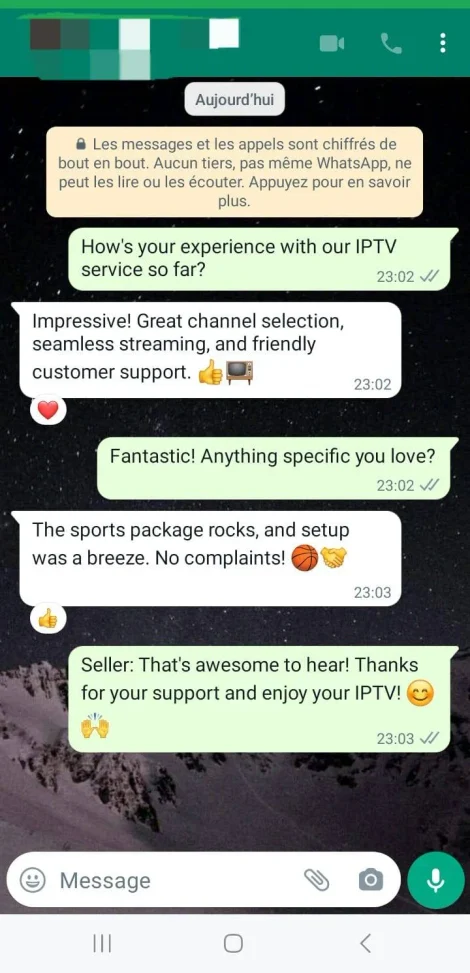
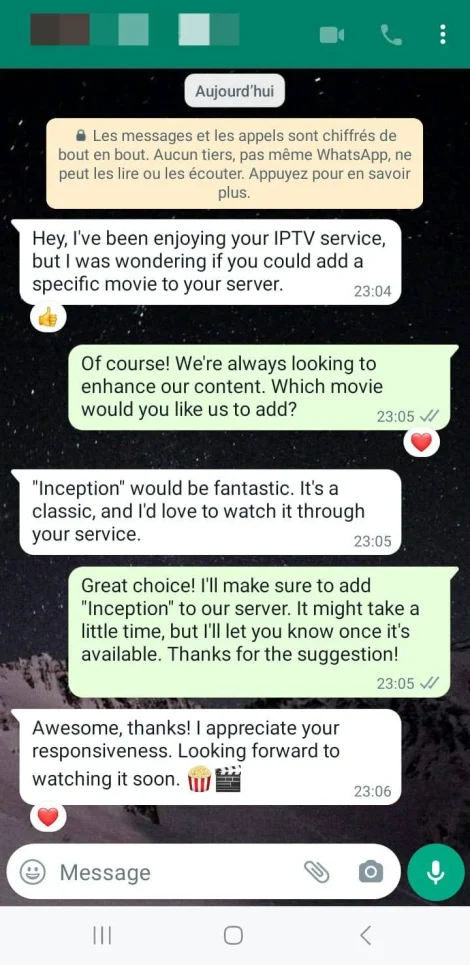
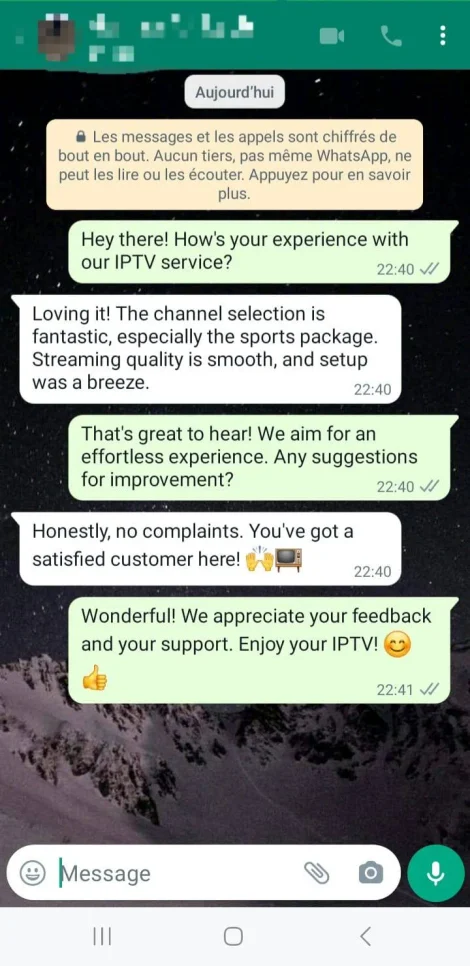
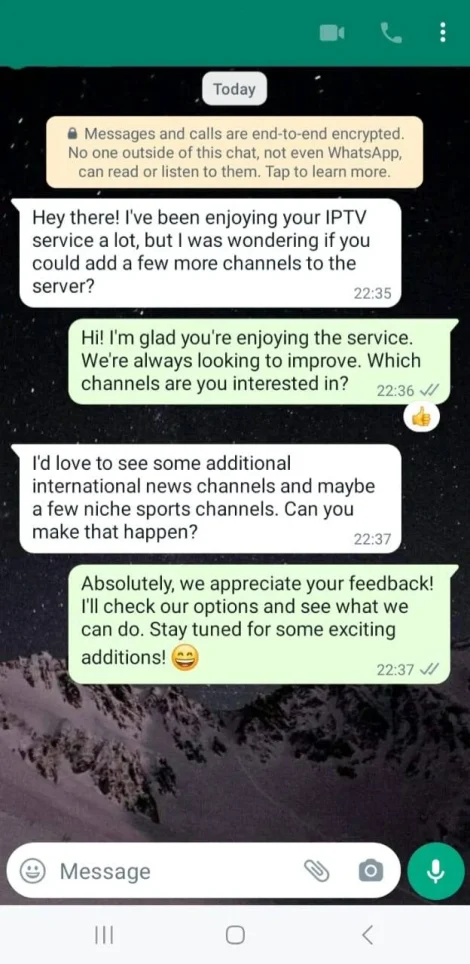
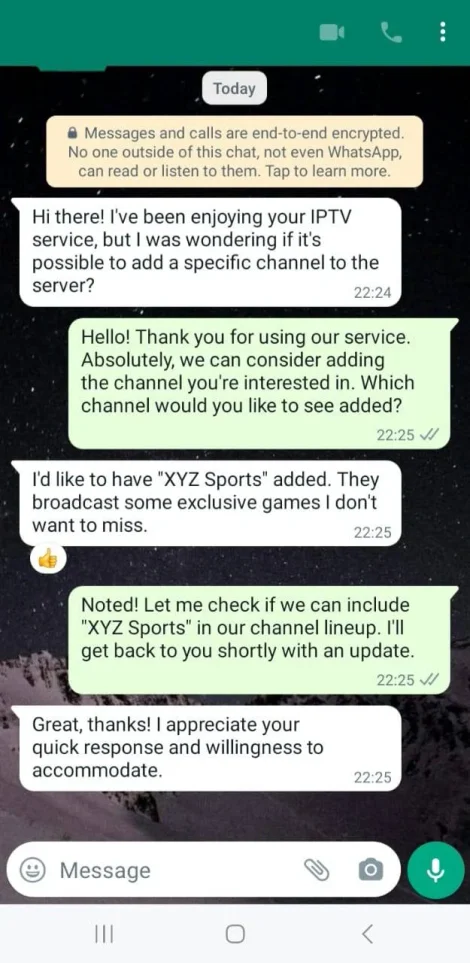
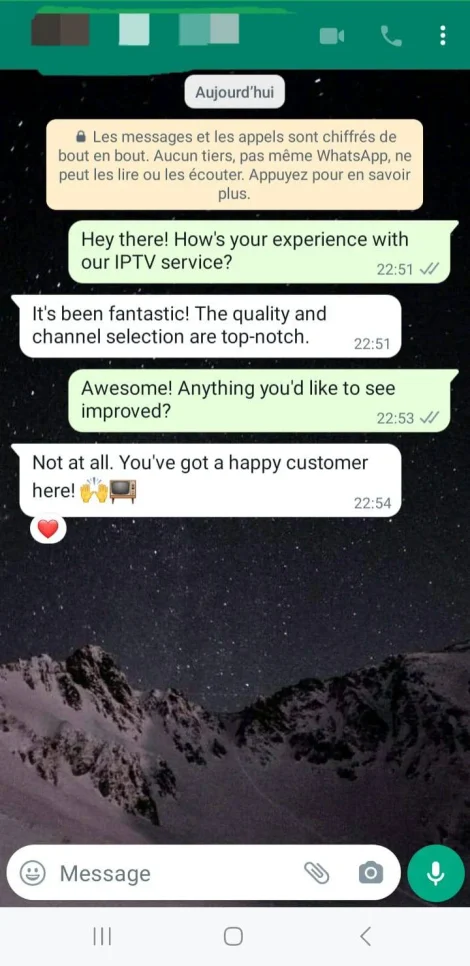
Customer-service conversations
See customer conversations about ordering and watching on their devices.
Questions before you choose
How do I order Apollo Group TV?
Set your screens and choose the paid period. Review the summary and send it on WhatsApp to complete the order and prepare your device.
How many screens should I choose?
Count the devices that will play at the same time. A TV and a phone playing together need two screens. Plans cover from one to five.
What comes with yearly Apollo Group TV plans?
Diamond provides 12 paid months plus 2 extra months for one screen or 6 extra months for 2–5 screens. You also receive 1 year of IBO Player Pro. Setup guides
Which guide should I use?
Start with your device, or choose the guide for TiviMate, IPTV Smarters or IBO Player Pro. Other compatible players have their own guide section.
No. The payment covers your chosen period. Send a new WhatsApp order when you want to continue.
About Apollo Group TV
Explore Apollo Group TV plans here at apollogrouptvpro. Select the period and screens, review the full USD total and order on WhatsApp. You can also contact us on WhatsApp for installation help or renewals.
Compare subscriptions, open your device guide or read the refund terms using the links below.